Audition vs Premiere Pro: Best for Audio Editing and Mixing?

Understand the key differences between Audition and Premiere Pro to pick the right tool for your sound editing needs.

What Sets Them Apart?

Audition is a professional audio workstation built for deep, multi-track sound editing. Premiere Pro focuses on video editing with essential audio tools built in—ideal for quick fixes and synced video sound.

Key Feature Comparison: Audition vs Premiere Pro

             Audition

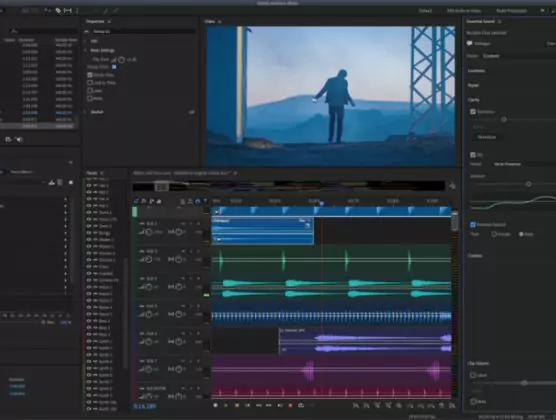
  • Dedicated audio editing interface
  • Multi-track mixing & effects
  • Advanced noise reduction & EQ tools
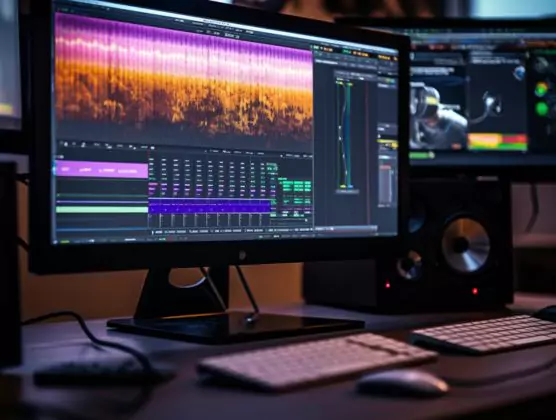
  • Spectral frequency editing
  • Ideal for podcasts and ADR
  • Exports audio in various formats

           Premiere Pro

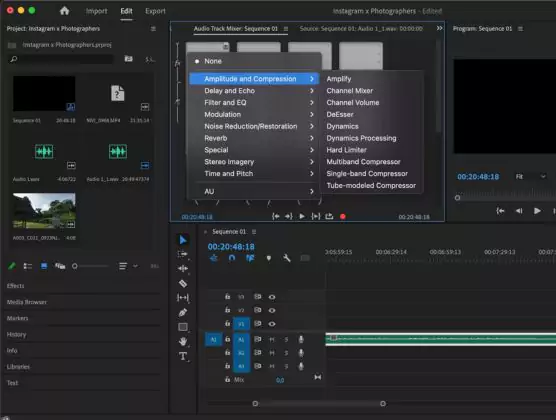
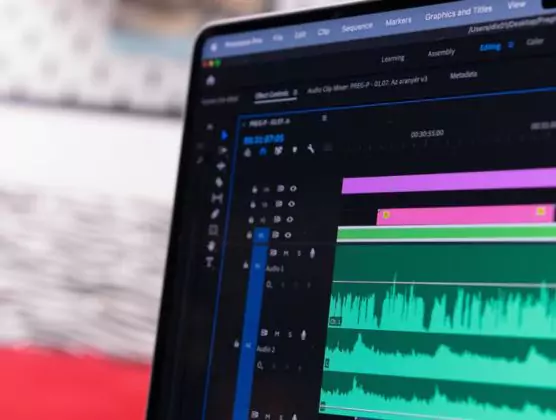
  • Video timeline with audio tools
  • Basic mixing in video timeline

  •  Essential Sound panel for presets
  •  Waveform editing only
  • Built for syncing and trimming audio
  • Audio exports tied to video renders
    inspect mode)

Editing Tools & Capabilities

  • Audition provides precision tools like spectral editing, adaptive noise reduction, and multiband compressors
  • Premiere Pro is ideal for trimming, ducking, and adding quick fades or effects to match video cuts
  • Audition excels at dialogue cleanup, mixing tracks, and restoring poor audio
  • Premiere Pro supports linked editing, letting users tweak audio alongside visuals
  • Audition includes loudness monitoring for broadcast standards
  • Premiere Pro simplifies syncing and sound leveling during video editing

Workflow & Speed

    • Audition is designed for in-depth, layered audio workflows
    • Premiere Pro integrates audio edits into your video timeline
    • Audition works independently or linked from Premiere via Dynamic Link
    • Premiere Pro auto-generates audio waveforms and supports audio keyframing
    • Audition handles large-scale mixes, voiceovers, and podcast production
    • Premiere Pro is perfect for streamlined sound editing while you cut video

Best Fit For You

  • Choose Audition if you’re creating audio-only projects or need professional post-production sound
  • Choose Premiere Pro if your main project is video and audio is a supporting element
  • Audition fits podcasters, audio engineers, and film sound designers
  • Premiere Pro suits video editors, content creators, and social media marketers
  • Audition is ideal for detailed, multitrack mixing and mastering
  • Premiere Pro is best for timeline-based, quick audio tweaks

Cost & Accessibility

  • Both come with Adobe’s Creative Cloud plans
  • Audition is available standalone or bundled with all apps
  • Premiere Pro includes essential audio features within the video editor
  • Audition supports round-trip editing with Premiere
  • Premiere Pro streamlines video/audio editing in one workspace
  • Audition has a learning curve but unlocks high-level control

Audition or Premiere Pro?

Use Audition when sound is your focus and quality matters. Stick with Premiere Pro for quick, intuitive audio edits while video takes the lead.

es_ESEspañol