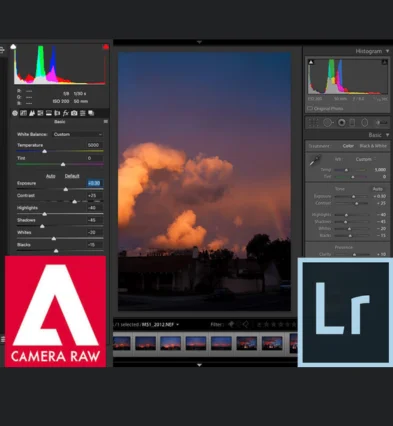
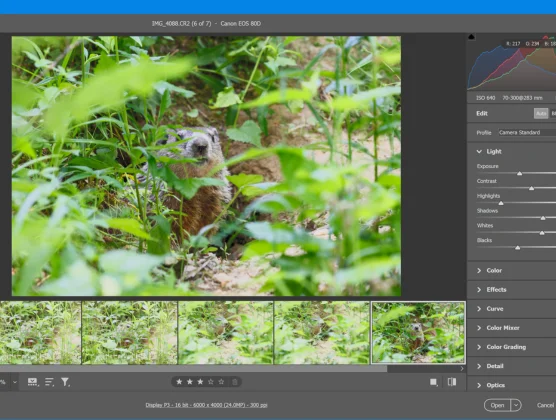
Lightroom and Camera Raw use the same RAW engine but serve different workflows—Lightroom is for managing and editing many images, Camera Raw focuses on single-image RAW adjustments inside Photoshop.
Key Feature Comparison: Lightroom vs Camera Raw
Lightroom
Organizes photos with catalogs
Batch edits hundreds of photos
Non-destructive with presets
Syncs edits across devices
Mobile app and cloud backup
Supports masking and AI tools
Camera Raw
No catalog system
Edits one photo at a time
Non-destructive but manual
Desktop-only editing
Works inside Photoshop & Bridge
Same editing tools, fewer extras
Editing Tools & Capabilities
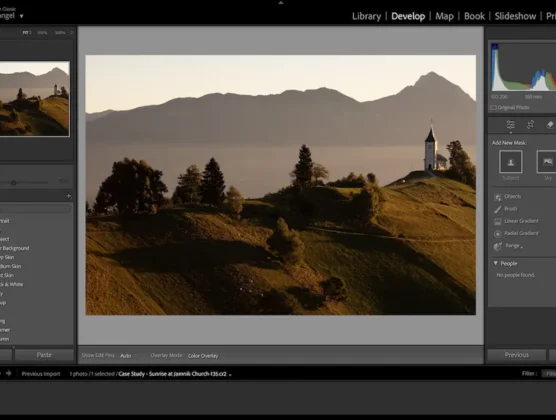
Lightroom uses sliders and presets for quick global edits
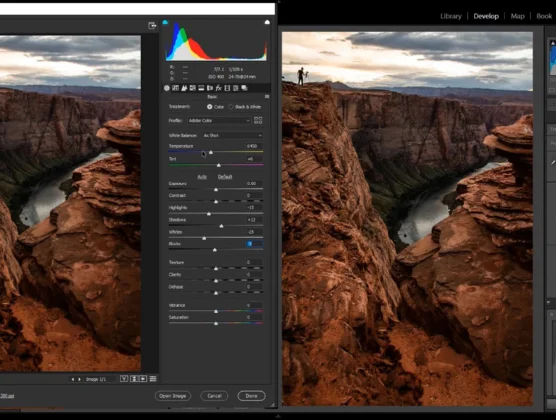
Camera Raw offers identical RAW controls within Photoshop
Lightroom excels at batch color grading and exposure fixes
Camera Raw integrates tightly with Photoshop layers and masks
Lightroom supports mobile and cloud workflows
Camera Raw is local and designed for detailed one-off edits
Workflow & Speed
Lightroom catalogs and tags photos for easy searching
Camera Raw requires manual file organization
Lightroom speeds up editing with synced presets and profiles
Camera Raw opens instantly inside Photoshop for quick tweaks
Lightroom exports fast to multiple formats and platforms
Camera Raw prepares RAWs before deeper Photoshop retouching
Best Fit For You
Choose Lightroom if you handle large photo libraries
Choose Camera Raw if you need Photoshop integration
Lightroom fits event, portrait, and travel photographers
Camera Raw suits graphic artists and retouchers
Lightroom is ideal for fast batch editing and organization
Camera Raw excels for pixel-level edits after RAW processing
Cost & Accessibility
Both come included in Adobe’s Photography Plan
Lightroom supports desktop, mobile apps, and cloud syncing
Camera Raw is built into Photoshop and Adobe Bridge
Lightroom offers automatic cloud backup for peace of mind
Lightroom’s interface is beginner-friendly and intuitive
Camera Raw provides advanced controls suited for experienced users
Lightroom or Camera Raw?
Choose Lightroom for efficient, organized photo editing and color grading. Pick Camera Raw for precise RAW editing within Photoshop workflows.
 English
  Français
 Español
 한국어
한국어