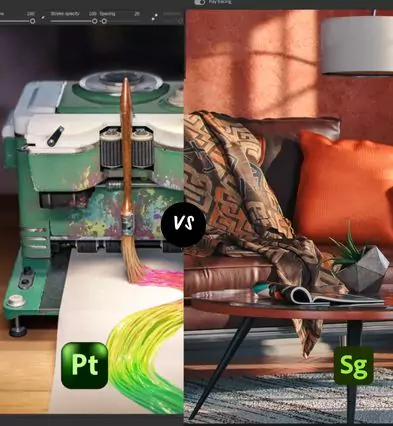
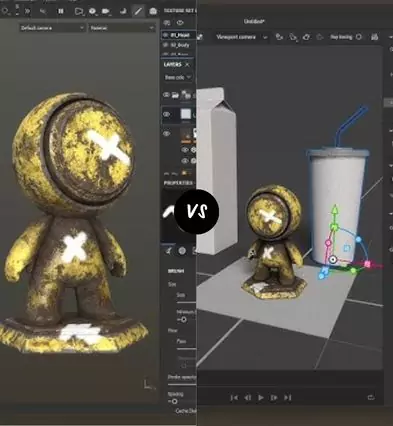
Substance 3D Painter specializes in detailed texture painting and material creation, while Substance 3D Stager focuses on assembling, lighting, and rendering fully staged 3D scenes.
Key Feature Comparison: Substance 3D Painter vs Stager
Substance 3D Painter
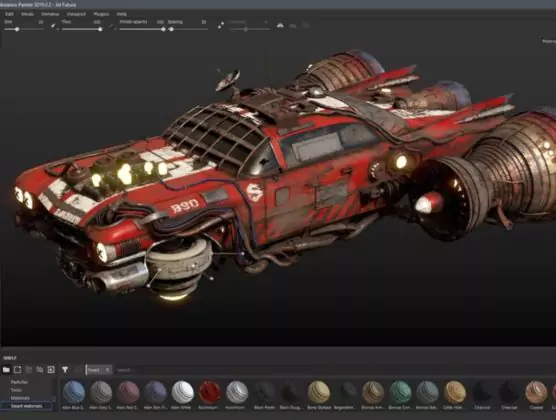
Advanced texture painting tools
Layer-based brushes and masks
Smart materials and generators
Supports PBR workflows
Detailed material authoring
Ideal for texture artists
Substance 3D Stager
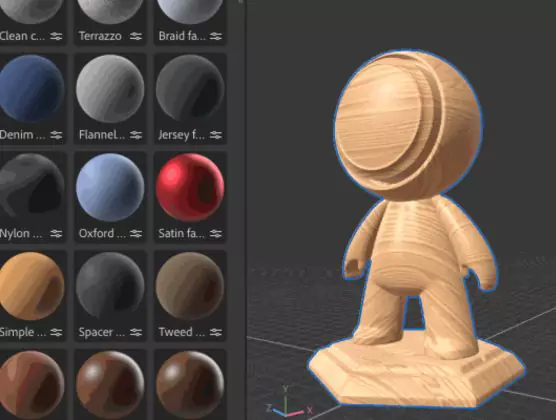
Drag-and-drop scene assembly
Real-time photorealistic rendering
Camera control and animation
Lighting and environment setup
Quick scene composition
Quick scene composition
Editing Tools & Capabilities
Painter offers precise brushwork and procedural textures for realistic surfaces
Stager provides intuitive asset placement and lighting adjustments
Painter excels in creating complex materials and textures
Stager shines in building complete, visually rich scenes
Painter supports detailed, hands-on workflows
Stager enables fast previews with real-time rendering
Workflow & Speed
Painter fits meticulous, texture-focused projects
Stager is built for rapid scene creation and iteration
Painter requires deeper knowledge of material authoring
Stager offers a more visual, drag-and-drop interface
Painter integrates with other Substance 3D apps for asset creation
Stager helps finalize and showcase designs quickly
Best Fit For You
Choose Painter for detailed texturing and material creation
Choose Stager for staging, lighting, and rendering scenes
Painter suits 3D artists and texture specialists
Stager is ideal for product designers and marketers
Painter is perfect for complex asset development
Stager works well for presentations and final renders
Cost & Accessibility
Both tools come in Adobe Substance 3D Collection
Painter has a steeper learning curve for texture creation
Stager offers easier access for fast scene assembly
Both support industry-standard file formats
Painter requires more system resources for complex projects
Stager runs smoothly for real-time visualization
Painter or Stager?
Choose Painter for advanced texture painting and material workflows. Pick Stager for composing and rendering professional 3D scenes.

 English
  Français
 Español
 한국어
한국어